A full set before reset day
Pick boulders by grade and wall angle and arrive with the whole set chosen, instead of starting from a blank wall.
Makig gives your setting team a library of millions of boulders, generated with AI and reviewed by routesetters. Filter by grade, wall angle and the hold brands you own, then follow each boulder's easy instructions and have it on your wall in minutes.
Sign in with Google. No card needed for the free boulders.
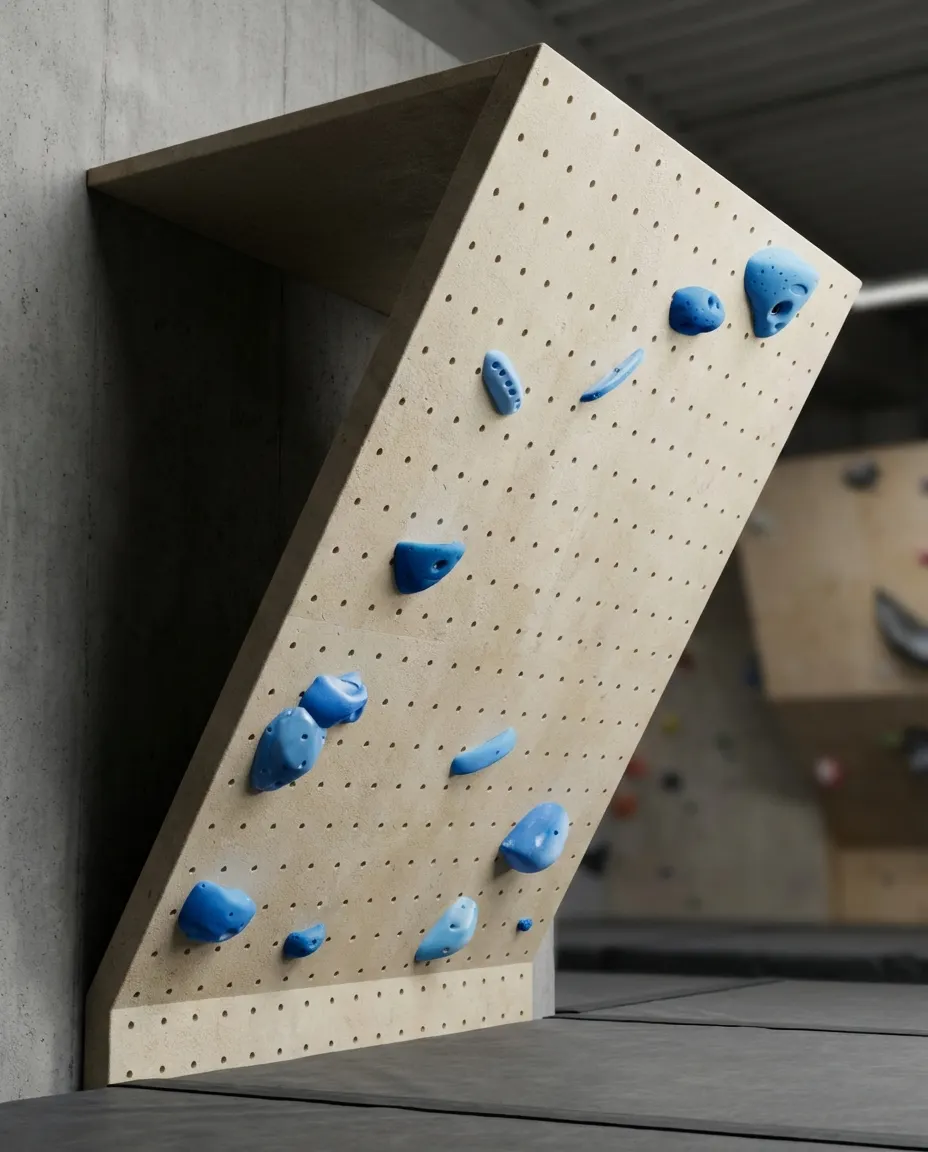
For head setters and gym owners
Pick boulders by grade and wall angle and arrive with the whole set chosen, instead of starting from a blank wall.
Filter the library by hold brand, so every boulder you open can be built from what is already in your storage room.
Every boulder comes with clear setting instructions: which hold goes where on a numbered grid, plus a 3D view of the wall. Your setter has it up in minutes.
Free boulders
These boulders come straight from the Makig library. Create your gym to open them with the full 3D view and setting instructions. Your first 5 are free.
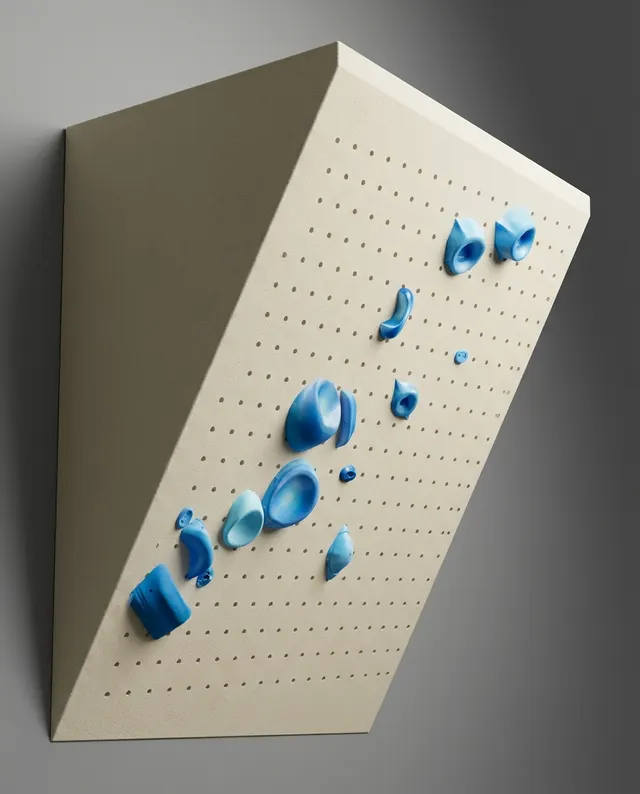
Steep overhang · Free
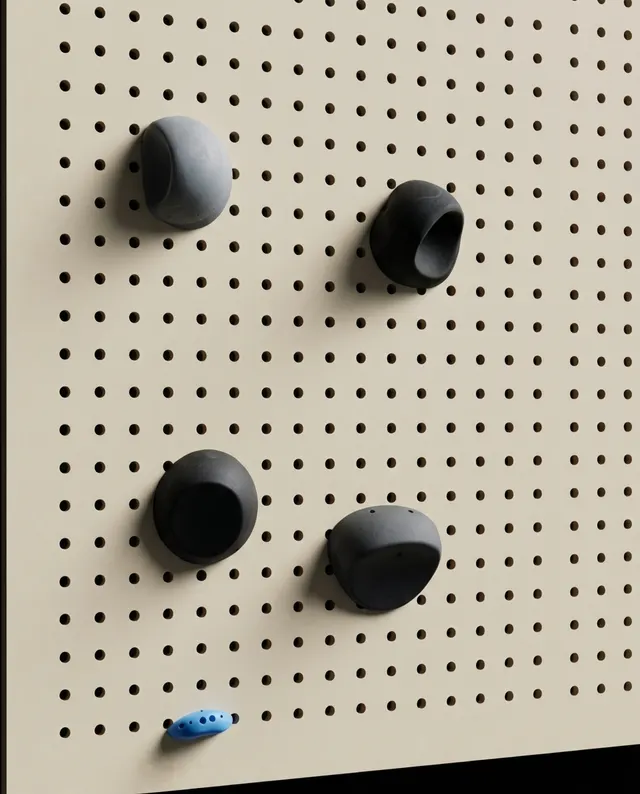
Vertical · Free
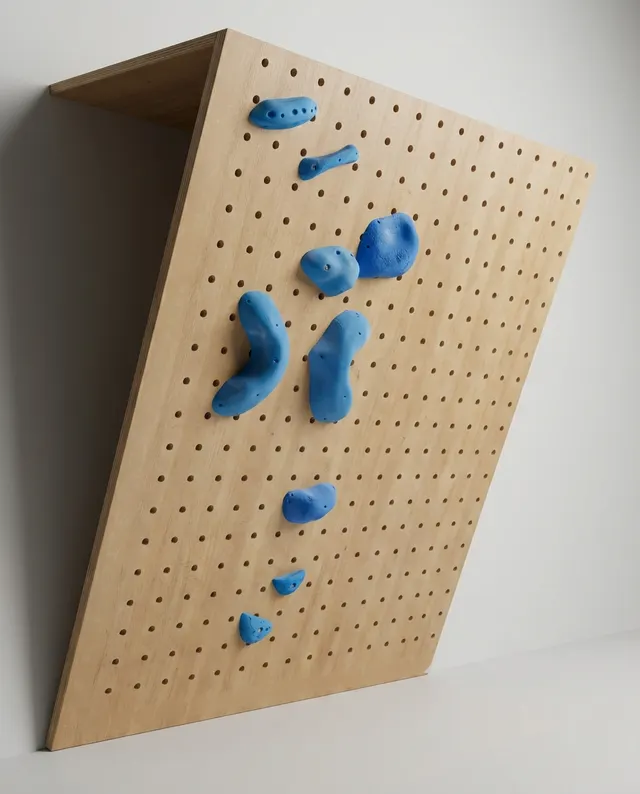
Overhang · Free
How it works
Sign in with Google and add your gym's name and location. It takes a couple of minutes and no card.
Filter by grade, wall angle and hold brand, or describe what you are looking for in plain words.
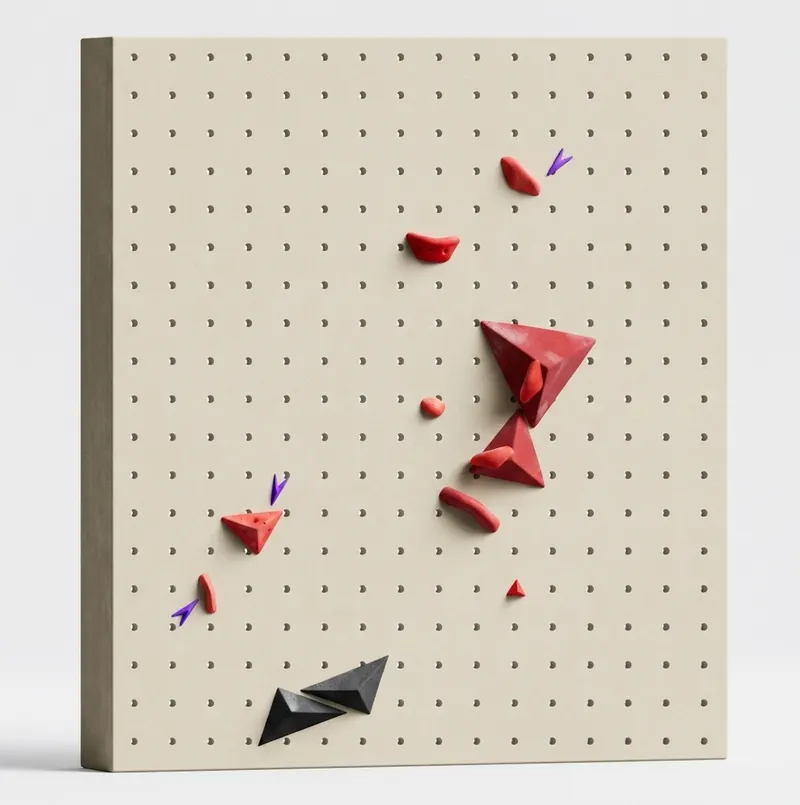
Each boulder tells you which hold goes where. Follow it and the boulder is on your wall in minutes. Your first 5 are free.
The Makig platform
The boulder library is where it starts. Around it, Makig gives your gym an app for your climbers, carrying your own name and colors, and a back office for the team.
Millions of boulders to filter by grade, wall angle and hold brand, each with a 3D view and easy instructions to set it in minutes.
Every climber at your gym gets an app on their phone carrying your name, colors and logo. In it they can:
Invite your routesetters, register your climbers and their memberships, and set the name, colors and logo of your gym's app.
Hold brands
Choose the hold brands your climbing gym stocks and the library only shows boulders you can build with them.
Pricing
5 boulders
€1,000 per gym / year
Or €100 billed monthly. The annual plan saves you €200 a year.
Questions
Makig is AI routesetting software for climbing gyms: a library of boulder problems (we call them boulders), generated with AI and reviewed by routesetters, that your team filters, opens in 3D and sets in minutes. Around it come a back office for your gym and an app for your climbers.
AI routesetting means using software to propose boulder problems for a given wall angle, grade and set of holds. With Makig, your routesetters start each reset from finished boulders instead of a blank wall.
No. Makig gives your setters ready-to-set boulders and clear instructions. They still choose what goes on the wall, adjust it and test it. What it saves is the time of inventing every boulder problem from scratch.
Create your gym with a Google account and open 5 boulders for free, with the full 3D view and hold positions. To open the rest of the library you subscribe from inside the app.
360holds, 9cclimbing, Anatomic, Artline, Blocz, Bluepill, Cheetah, Eurohold, Expression Holds, Flathold, Holdz, Simpl, Squadra and many more. You filter the library by brand, so you only see boulders you can build with the holds you have.
Every boulder is tagged with its wall angle, from vertical walls to steep overhangs, and you filter by the angles your gym has.
Open the boulder and follow its instructions. Each hold is shown on a numbered grid and in a 3D view of the wall, so your setter knows which hold goes where and has it up in minutes.
The first 5 boulders are free. After that the full library is €1,000 per gym per year, or €100 billed monthly, and you can cancel from your billing page.
5 boulders free. No card. Set up in a couple of minutes.